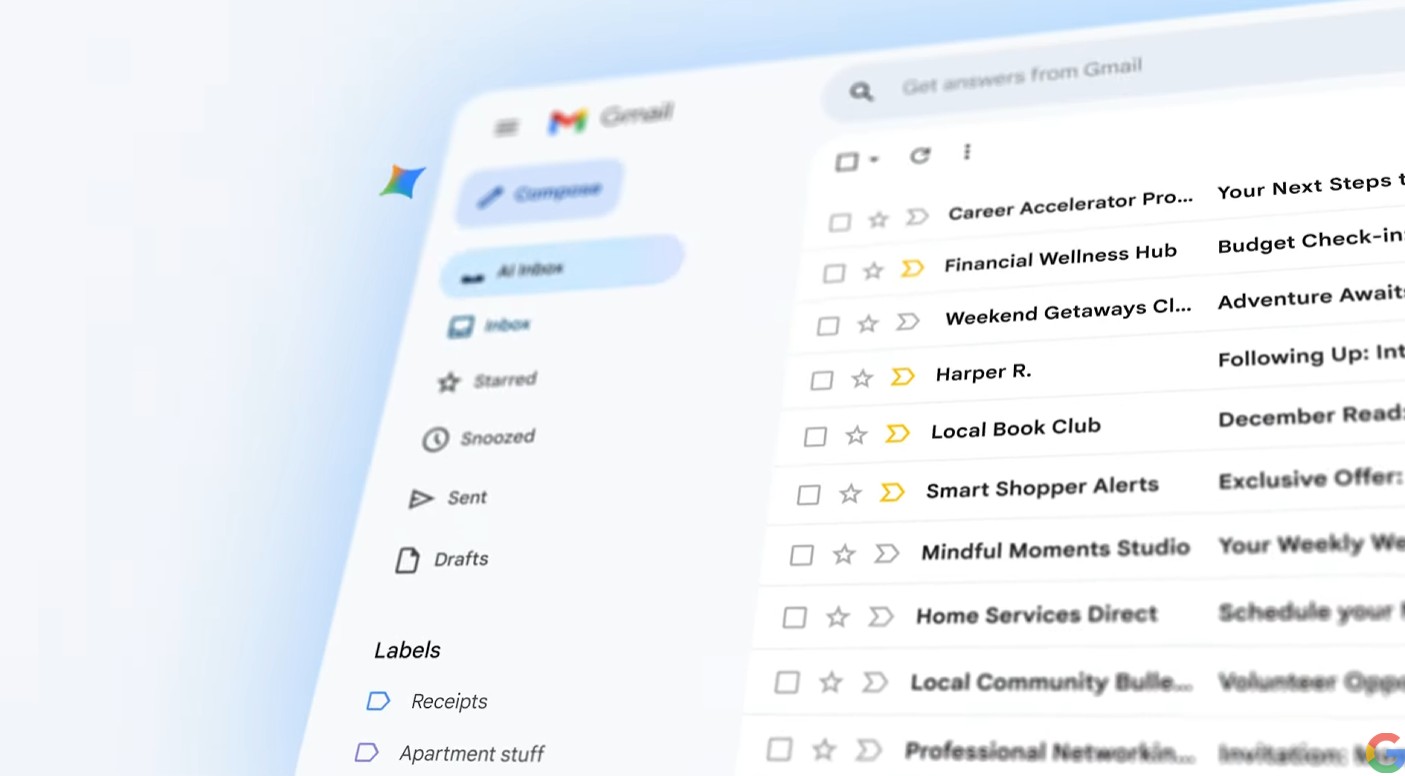
Google has officially announced a massive update for Gmail, marking a significant milestone in the evolution of the world’s most popular email service. The integration of Gemini, Google’s most capable AI model, is set to change how we interact with our digital communications on a daily basis.
This isn’t just a minor update or a fresh coat of paint for the interface. It represents a fundamental shift in how Google leverages artificial intelligence to help users manage the never-ending flood of emails that hit their inboxes.
The arrival of the Gemini side panel
The most visible change for users is the introduction of a dedicated Gemini side panel within the Gmail web interface. This persistent assistant is designed to help you summarise threads, draft responses, and find specific information buried in your archive.
By clicking the Gemini icon in the top right corner, users can engage in a conversation with the AI about the emails they are currently viewing. It can quickly provide a bulleted summary of a long back-and-forth conversation, saving you the time of scrolling through dozens of replies.
Google is positioning this as a productivity powerhouse that lives right where you do your work. The side panel can even pull information from other Workspace apps, like Google Docs or Drive, to help you answer questions within an email thread.
AI features coming to the mobile experience
While the web interface gets the side panel, mobile users on Android and iOS aren’t being left behind. Google is rolling out “Gmail Q&A” to mobile devices, allowing users to ask questions about their inbox using natural language.
You can ask the app to “find the booking reference for my flight” or “summarise the notes from the last project meeting.” The AI scans your emails and provides a concise answer immediately, removing the need for manual searching.
Smart Reply is also getting a significant upgrade, moving beyond simple one-tap phrases. The new Gemini-powered contextual replies will offer more nuanced and detailed draft options based on the specific content of the email you’ve received.
Improving the drafting process with Help me write
The “Help me write” feature is becoming more integrated and capable across the entire Gmail experience. Whether you are starting a fresh email or replying to a complex enquiry, the AI can generate a full draft based on a simple prompt.
Users can then refine these drafts by asking Gemini to make the tone more formal, more casual, or even shorter. This iterative process allows you to get to a final version much faster than writing from scratch.
“We’re excited to bring the power of Gemini to Gmail, helping you get more done, more easily, every day.”
Sundar Pichai, CEO, Google and Alphabet.
Leveraging the power of Google Workspace
Gemini in Gmail isn’t just restricted to the text within an email. It has the ability to look across your entire Google Workspace ecosystem to provide contextually relevant assistance.
If you are replying to a client about a specific project, Gemini can search your Google Drive for the relevant spreadsheet or document. It can then extract the specific data points you need to include in your reply without you ever leaving the Gmail tab.
This deep integration is what sets Google’s AI approach apart from third-party plugins. By having the AI baked into the core of the platform, the speed and accuracy of retrieving information are significantly improved.
Enhancing search and organisation
Search in Gmail has always been powerful, but the Gemini era takes it to a new level. The AI understands the intent behind your searches rather than just looking for exact keyword matches.
This means if you search for “that email about the garden renovation from last year,” the AI can identify the relevant threads even if those exact words aren’t in the subject line. It organises results more intelligently, prioritising what it thinks is most relevant to your current task.
The goal is to move away from the traditional “folder and label” system that many users find tedious to maintain. Instead, the AI acts as a digital librarian that knows exactly where everything is kept.
Privacy and data security in the AI era
With such deep integration of AI into personal and professional communications, privacy remains a top concern for many users. Google has stated that Workspace data is not used to train the underlying Gemini models outside of your specific environment.
The company is emphasising that your emails remain private and are only processed by the AI to provide the features you explicitly request. Enterprise-grade security protocols remain in place to ensure that sensitive information is protected.
Users will have control over how they interact with these AI features. While the tools are there to assist, the final decision on what is sent and how data is managed remains firmly in the hands of the user.
Regional availability and rollouts
The rollout of these Gemini features is currently underway globally, though it is being released in stages. Initially, these features are being made available to Google Workspace customers with Gemini add-ons and Google One AI Premium subscribers.
While some features are launching first in English-speaking markets, Google has confirmed plans to expand language support and regional availability rapidly. This reflects the global nature of the Gmail user base.
“Gmail is entering the Gemini era, and we’re just getting started with what’s possible when you bring the world’s most capable AI to the world’s most popular email service.”
Google Blog, Product Update, Google.
How to get started with Gemini in Gmail
For those with a compatible subscription, the Gemini features will start appearing automatically in the interface. Look for the Gemini “star” icon in the top right of your web browser or within the mobile app.
Google is also providing tutorials and prompt suggestions to help users understand how to get the most out of the AI. Simple prompts like “catch me up” or “draft a thank you note” are great starting points for new users.
As the system learns from more interactions, the quality of summaries and drafts is expected to improve. This is a long-term play for Google, and we can expect the feature set to grow significantly over the coming months.
The future of the inbox
The shift toward an AI-first inbox is a response to the “information overload” that many office workers and consumers face. By automating the mundane tasks of summarisation and drafting, Google hopes to give users back their time.
We are moving toward a future where we don’t just “check” our email, but rather “manage” it through a conversational interface. The Gemini era of Gmail is the first major step in making that vision a reality for billions of people.
Whether you are a power user with thousands of unread messages or someone who likes to keep a clean “Inbox Zero,” these tools are designed to adapt to your specific workflow. It is an exciting time for productivity software, and Gmail is leading the charge.
For more information, head to https://blog.google/products-and-platforms/products/gmail/gmail-is-entering-the-gemini-era
About the Author